
By using this website, you agree to the storing of cookies on your device to enhance site navigation, analyze site usage, and assist in our marketing efforts. View our Privacy Policy for more information.

Accept All
Abstract teal and dark green layered wave pattern background.
integrations

Outlook

Your firm's memory is already in Outlook. Meridian automatically captures and tags emails, calls, contacts, and meetings, turning every memory into a compounding data asset.

Book a Demo
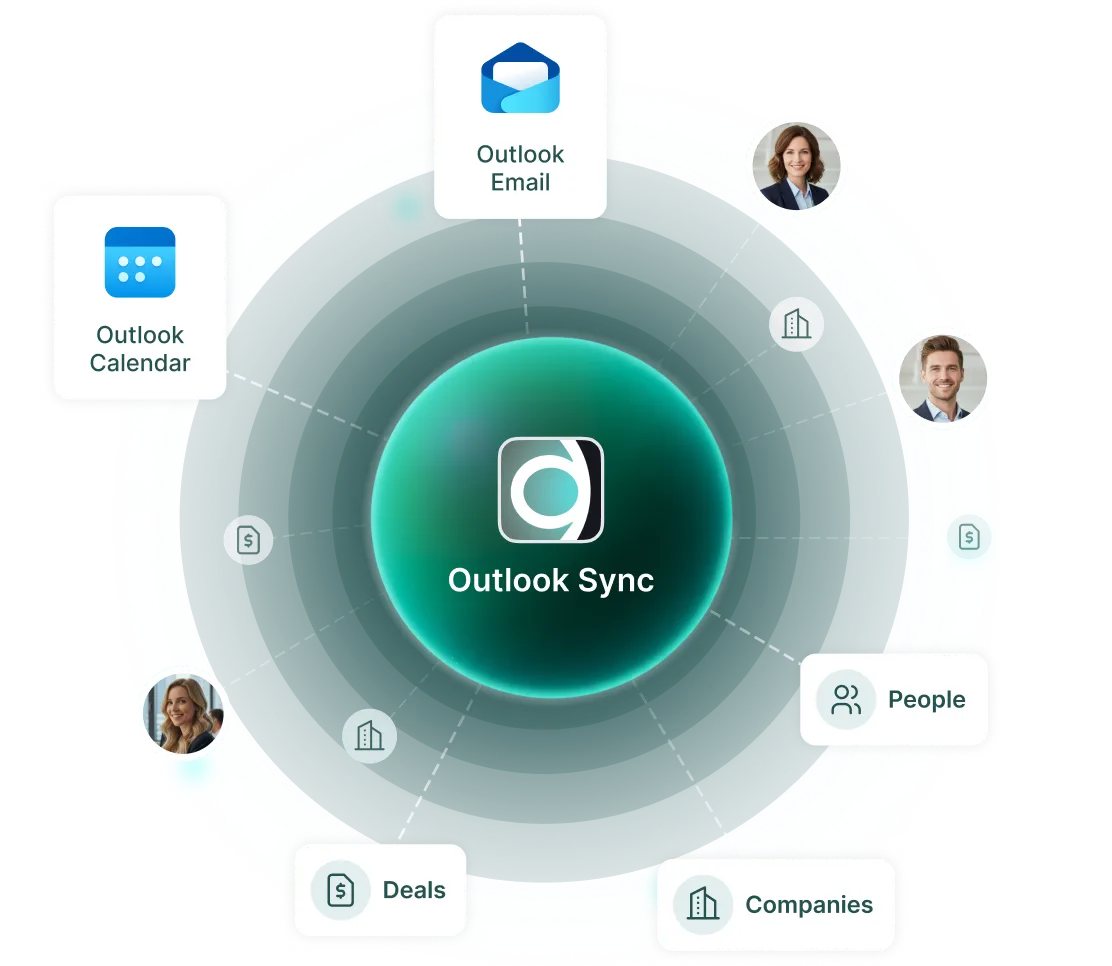
Diagram showing Outlook Sync linking Outlook Email, Calendar, People, Deals, and Companies with user photos.
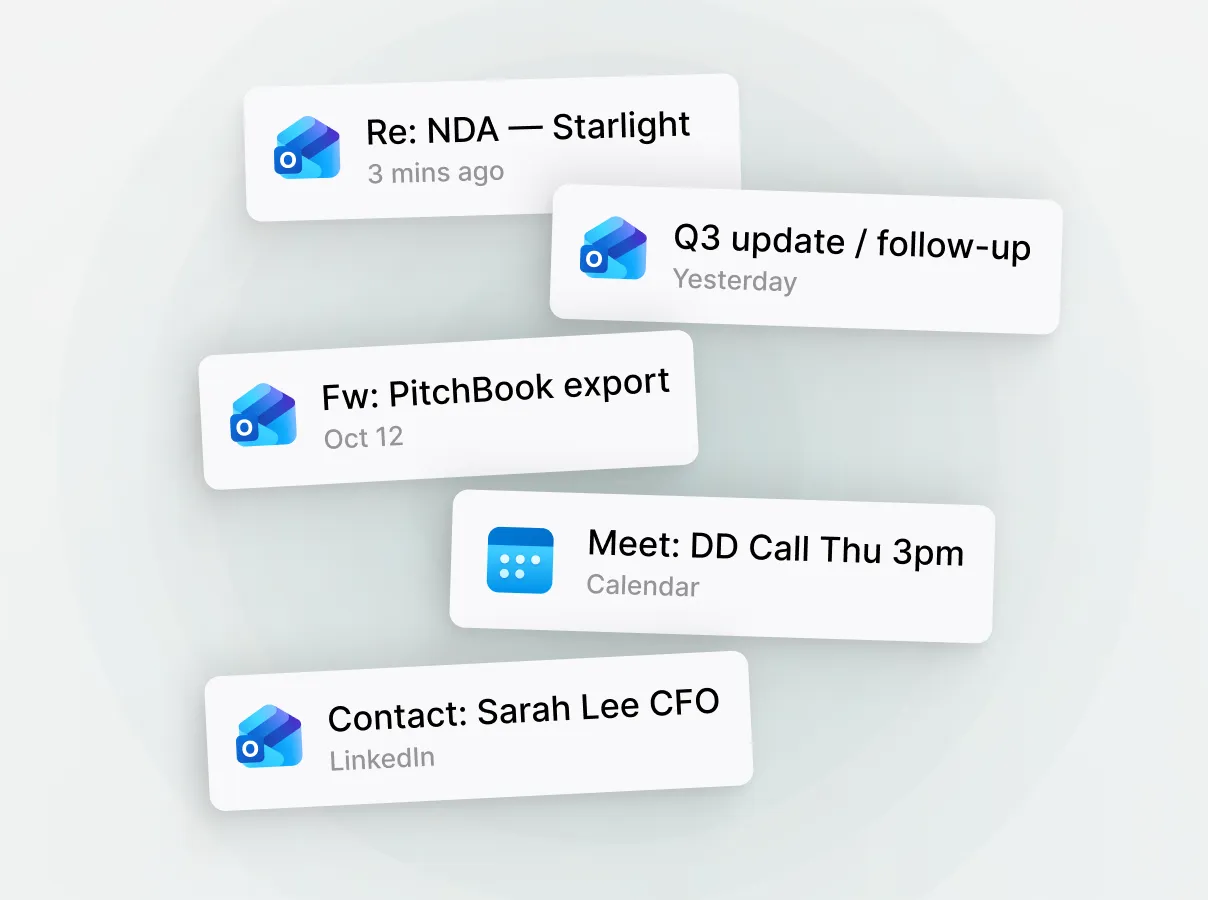
Email and calendar notifications showing messages, a meeting reminder, and a LinkedIn contact.
the problem

Your history is fragmented and walks out the door when someone leaves

Every deal conversation, banker introduction, and founder meeting already exists somewhere across the firm's inboxes and calendars. That history is your most valuable asset.

Meridian's Outlook Sync captures that activity and automatically structures it in the CRM. No copy-pasting or manual logging required.

the solution

With Meridian Outlook Sync, your CRM data becomes firm-wide institutional memory

Searchable and structured
Attributable to the right people
Portable as the team grows
New tools are adopted
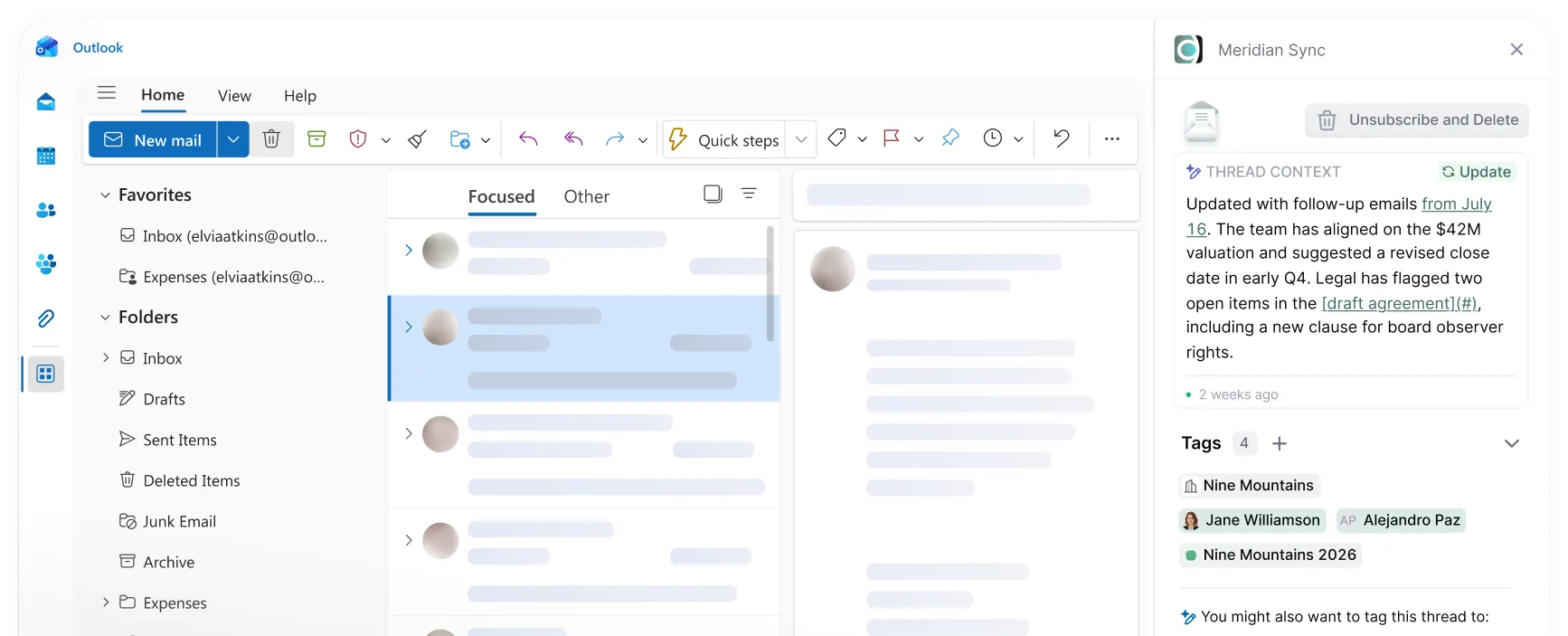
Microsoft Outlook inbox showing focused emails and Meridian Sync sidebar with thread context and tags.Three teal sparkle icons on a light blue circular gradient background.Blue circular blur with a white star-shaped sparkle near the right center.
how it works

Two ways to sync

Meridian offers two sync modes so every firm can balance automation with control.

Manual Sync

Best for: users who want deliberate, case-by-case control over what enters the CRM.
Cursor hand clicking a rounded rectangular button labeled Sync
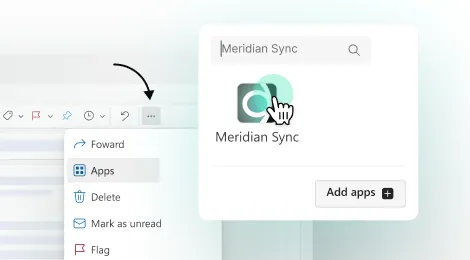
Cursor selecting 'Meridian Sync' app from a menu with options like Forward, Apps, Delete, Flag.
Install the Meridian Sync add-in inside Outlook
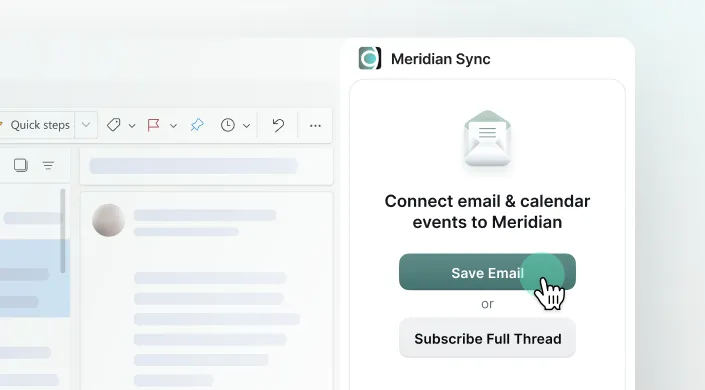
Meridian Sync interface with options to save email or subscribe to full thread for calendar event connection.
Open any email thread or calendar event and sync it to Meridian with one click

Smart Sync

Best for: users who want Meridian to work silently in the background.
Sync icon
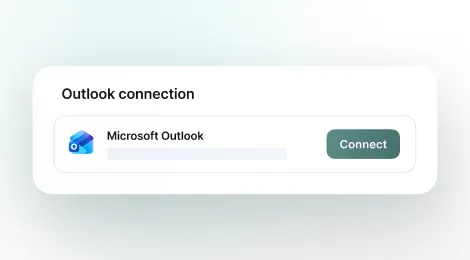
User interface showing Outlook connection with Microsoft Outlook logo and a green Connect button.
One-time account connection in your Meridian workspace
Contacts, meetings, and (optionally) emails flow into Meridian in real time.
People and company records are automatically created in Meridian from the email addresses the user interacts with.
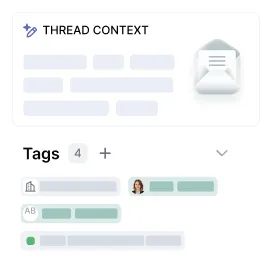
User interface showing thread context with tags and a message icon in a collaboration app.
Why Smart Sync is the most powerful

Proprietary edge is built on relationships, and relationships only compound if every touchpoint is tracked.

Every interaction is captured right away, without manual logging.

Noise is filtered out based on the firm’s chosen settings.
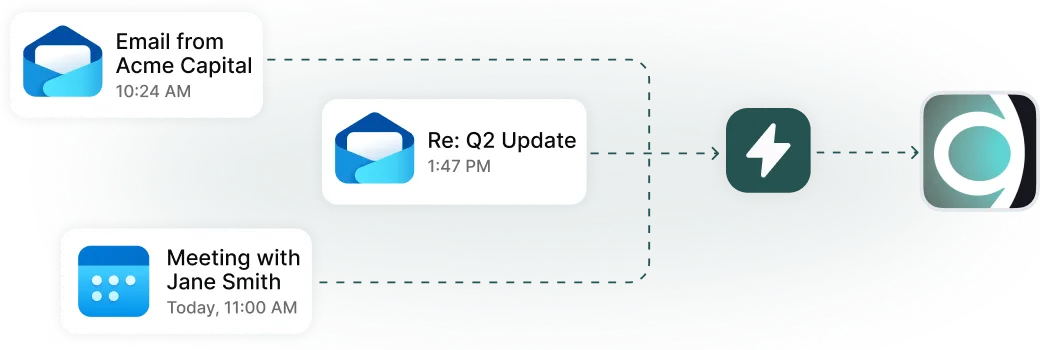
Notifications for email from Acme Capital, Q2 Update reply, and meeting with Jane Smith today.

Two different paths, same secure destination

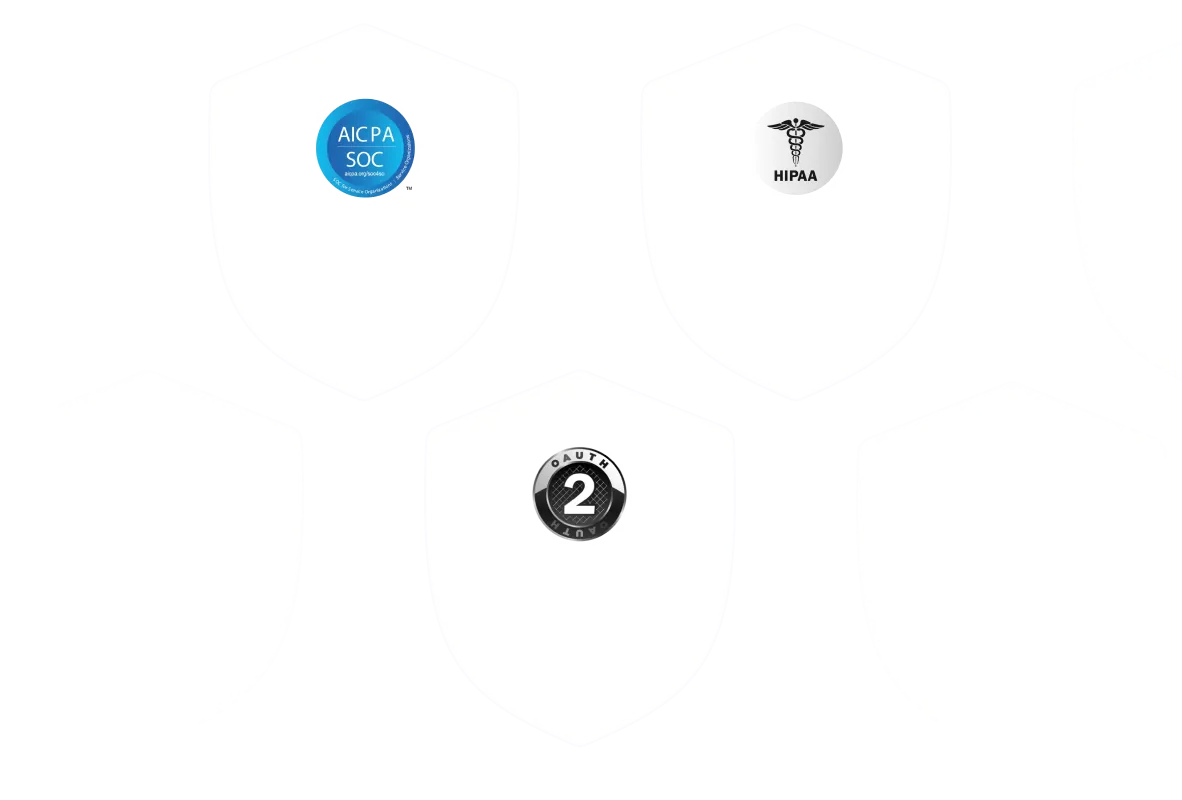
Both sync modes feed the same Meridian data layer and use the same security foundation: OAuth 2.0, server-to-server sync via Nylas (SOC 2 and HIPAA compliant), minimal delegated scopes, and no client-side storage.
Security logos
White shields with logos: AICPA SOC, HIPAA medical symbol, and OAuth 2 authentication badge.