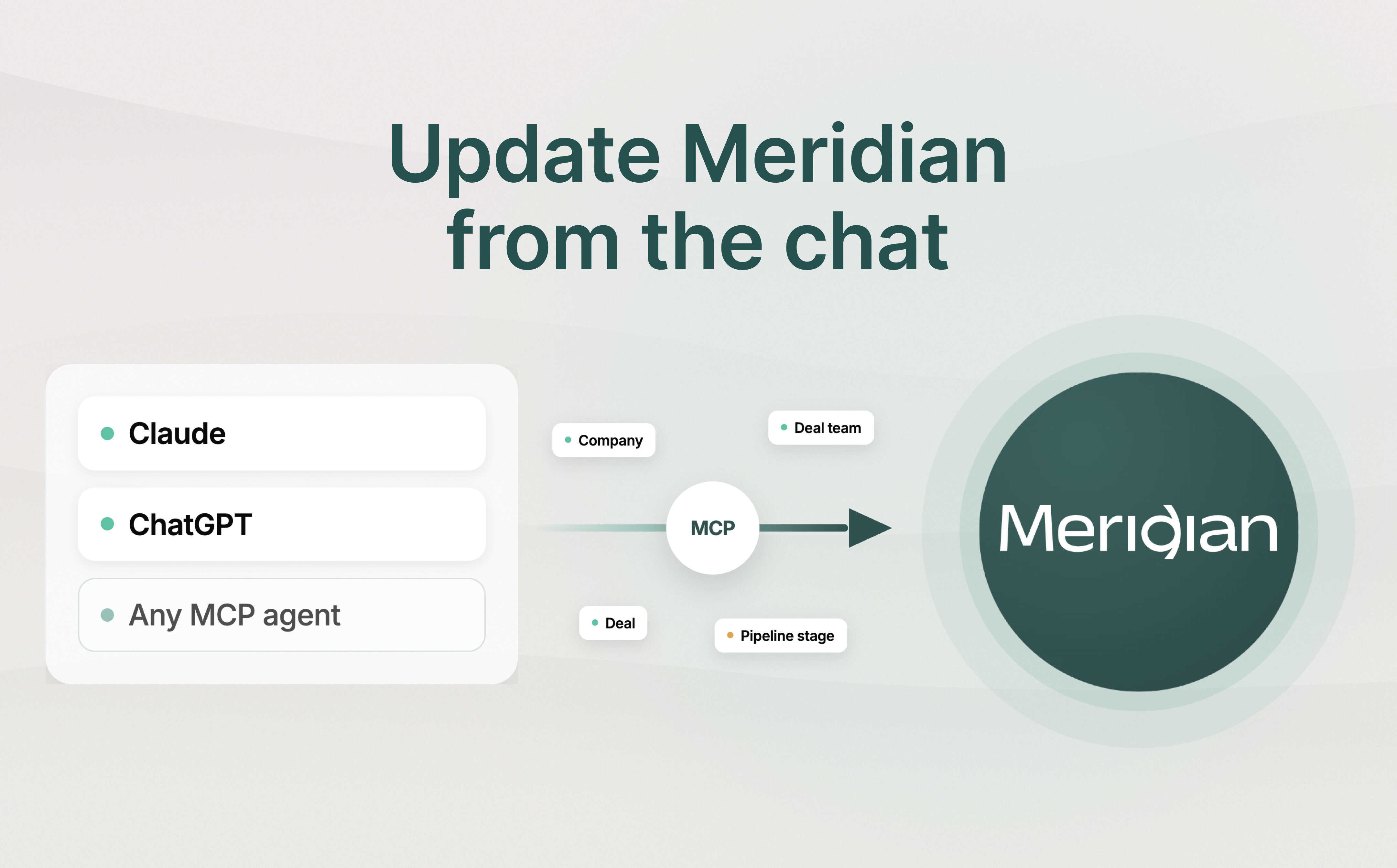

Meridian MCP is live!
Connect your deal sourcing data to any AI tool.
Learn More
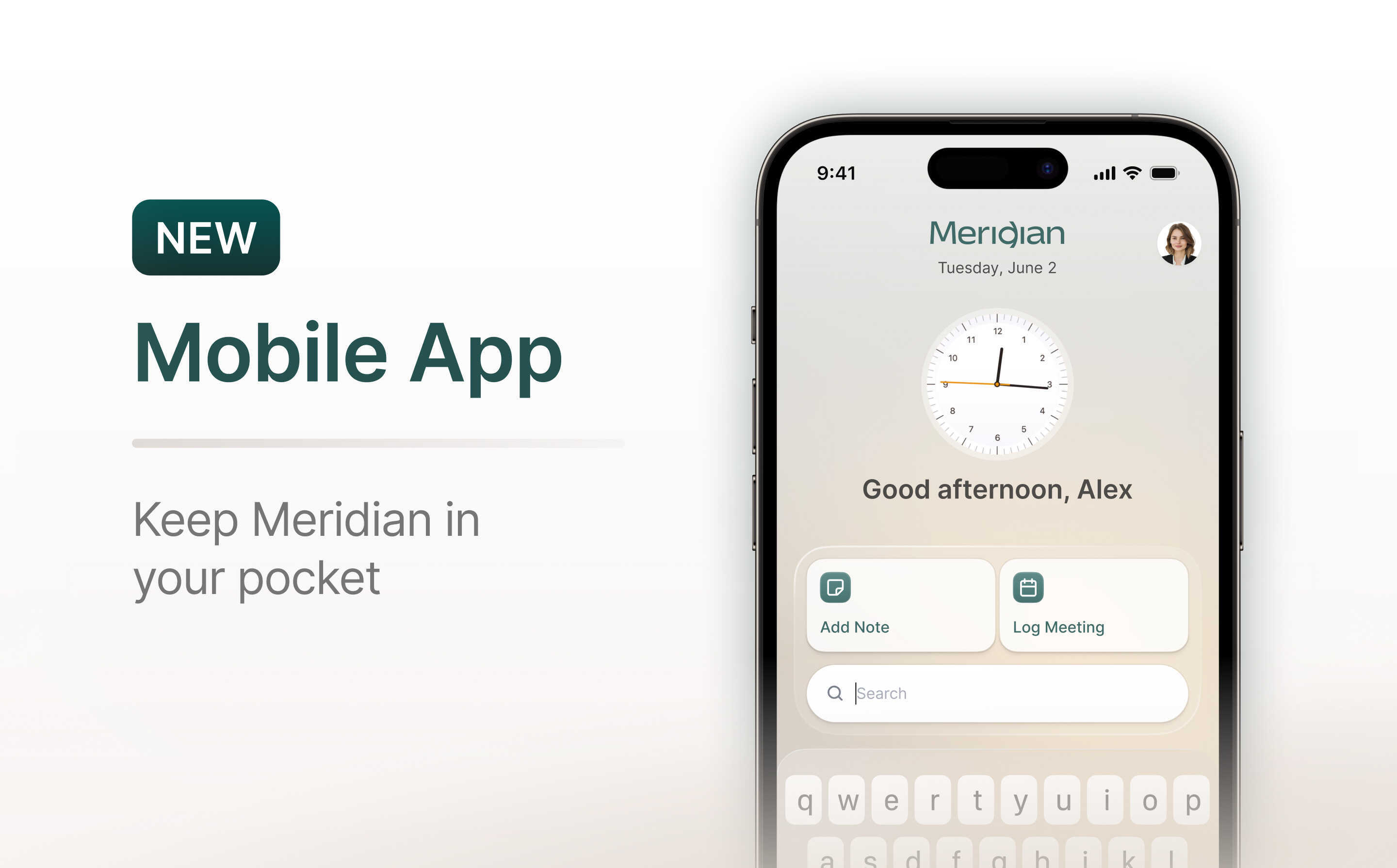
Meridian raises $7M seed round led by 645 Ventures.
Read More
Send deal context straight to your CRM via email. Scout AI logs the interaction, tags the right records, and keeps your deal history complete.
The most useful context in a deal often doesn’t reach the CRM. It sits in an email thread. A banker's intro, a founder's reply, a number someone agreed to over the weekend — getting those details into the system of record means stopping what you are doing, opening the CRM, finding the right company or deal, and logging it manually. Most of the time, that step gets skipped.
Meridian Inbox is a secure email gateway into Meridian, and it removes those manual steps. Every firm gets a dedicated Inbox address, and any email sent to it is turned into a structured CRM action by Scout, Meridian's AI agent. No browser extension, no separate app, and no manual entry.
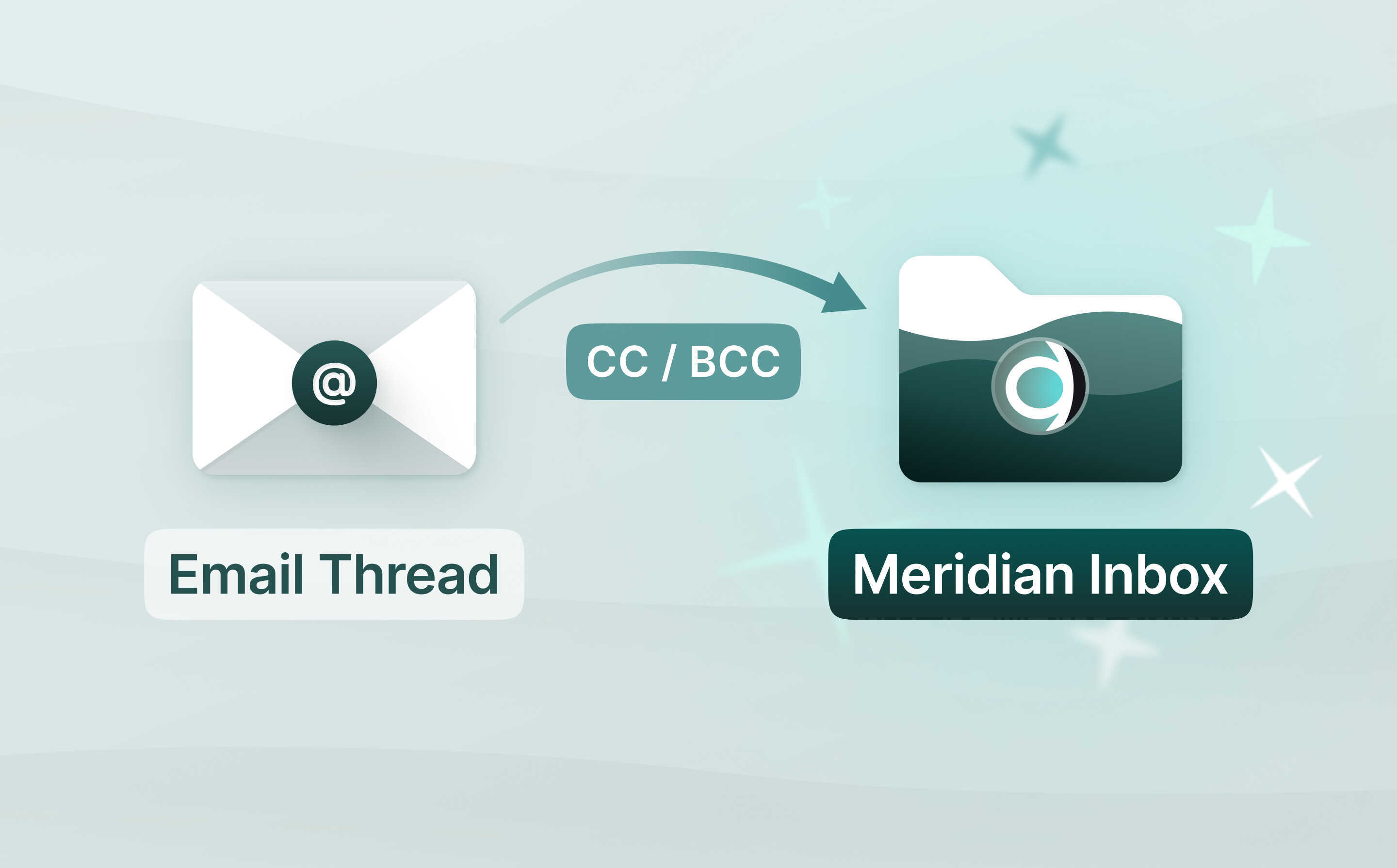
Today we are extending how you can use your Meridian Inbox address. You no longer have to forward an email after the fact. You can now CC or BCC your firm's Meridian Inbox address on any message, and the interaction is captured as it happens.
Send an email to your Meridian Inbox email address, and Scout reads the full thread and connects it with the right records in your Meridian CRM.
There are three things you can ask Scout to do with your emails today (more actions to come soon!):
In each case, Scout replies in the same thread to confirm what it did, including which records it tagged and anything it could not match. You always know where the information landed.
Email is an open channel, so Meridian Inbox enforces access at the sender level. Only email from a registered Meridian user who has connected their Gmail or Outlook account is processed. Anything from an unrecognized sender is rejected and never synced.
When Scout retrieves a thread, it uses the sender's own authenticated connection, so it only ever reads what that user already has permission to see. That same connection ties each message to the correct user and firm, which is how a single shared Inbox address routes every action to the right place and keeps firms fully isolated from one another. Processing actions are logged for auditability.
Meridian Inbox is available now. If your firm has it enabled, any connected user can start forwarding, CC'ing, or BCC'ing email to your Meridian Inbox address today. To see it in action, book a 15-minute demo.
Discover how Meridian can streamline deal sourcing and enhance your decision-making


Table of Contents

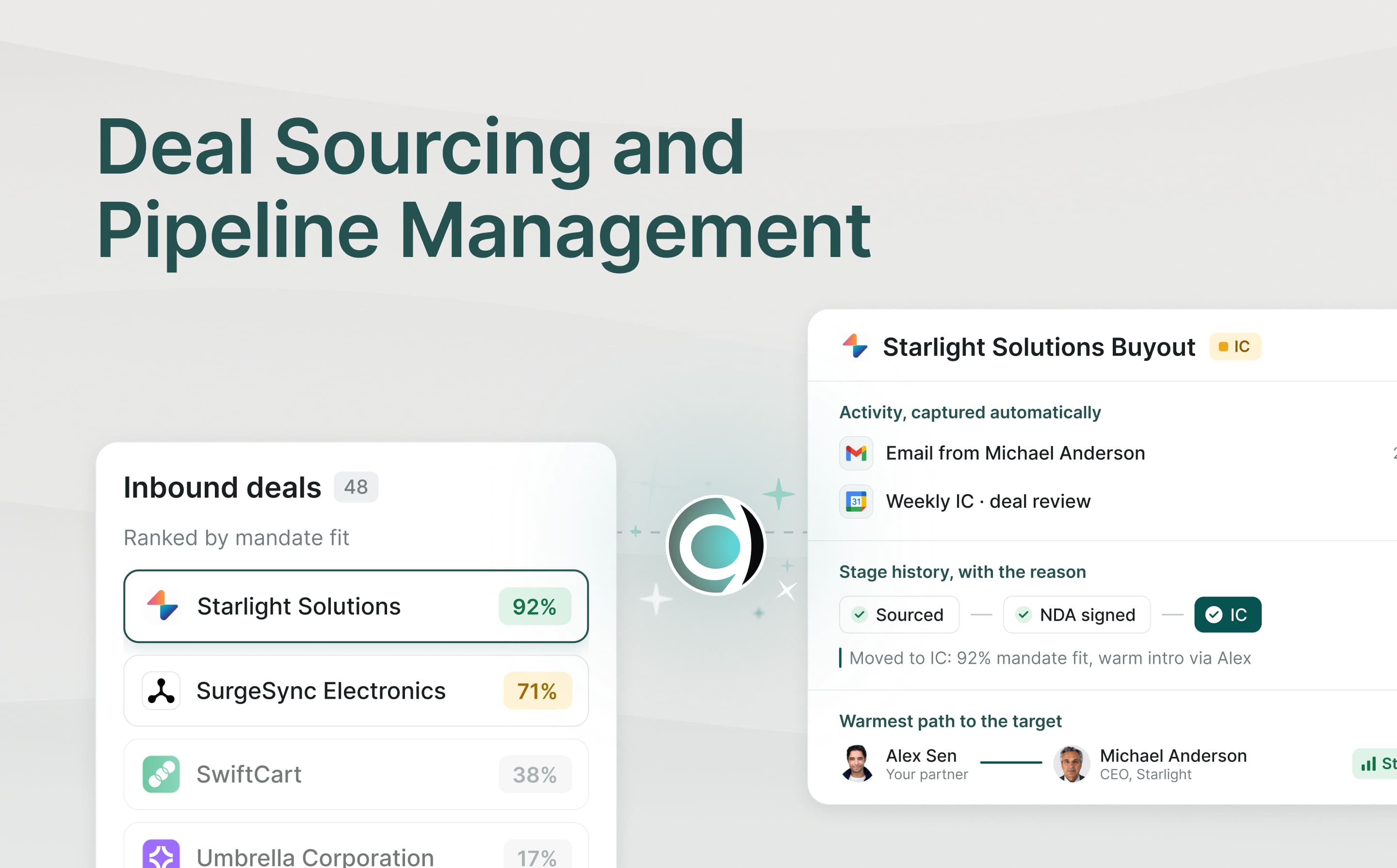
Why deal sourcing and pipeline management belong in one system, how proactive thematic sourcing wins proprietary deals, and how to stop pipeline leakage.